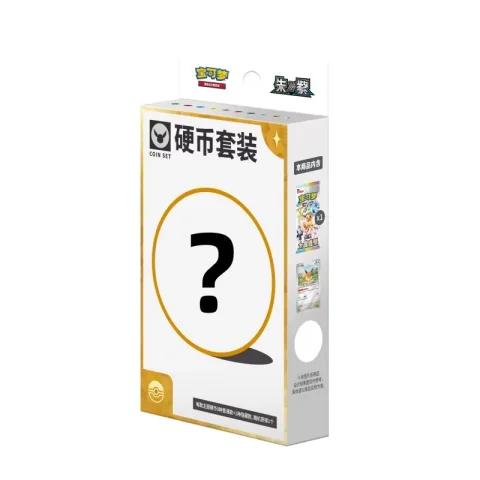
Classify the accessory before comparing price
Card sleeves, albums, storage boxes, coins, badges, magnets and display products use different sales units. Compare like with like and keep each accessory category on a separate quotation line.
Use the catalog link and exact SKU because the same character or series artwork can appear on several accessory formats.
- Accessory type
- Design or character variant
- Pack or set quantity
- Exact SKU or option ID
Confirm the unit and visible format
A product title may refer to an individual accessory, a set or a display quantity. Check the option description and request a current packaging photo if the retail unit is not clear from the catalog image.
When the accessory is intended for a specific card size or storage use, ask for the relevant confirmed specification rather than inferring it from the artwork.
Plan mixed orders around packed volume
Albums, storage boxes and display items can add shipping volume even when their individual weight is modest. Send the complete mixed order before comparing shipping methods.
Listed product weight is a reference from the source sheet. Final freight depends on packed gross weight, carton dimensions, destination and selected carrier.
Check retail presentation before repeat ordering
If colour, exterior packaging or label placement matters to the resale listing, request current photos and record the accepted version with the SKU. This creates a clearer reference for later repeat orders.
Reconfirm current stock, price and packaging for every repeat order. A previous purchase does not guarantee that the next available batch is identical.
- Current product and packaging photos
- Accepted design or colour
- Quantity and mixed-order notes
- Updated quote
Catalog details identify the requested products, SKUs and option IDs. Current stock, MOQ, final prices, freight and preparation time are confirmed during quotation before payment.
Continue reading